The Remote Desktop Protocol (RDP) is a proprietary protocol developed by Microsoft, which provides a user with a graphical interface to another computer. RDP is used by administrators to manage servers and by users to access their workstations from remote locations....
Streaming RDP is a new type of internet service that allows you to buy a subscription to a remote desktop server. This means that you can access your computer from anywhere in the world with an internet connection. You can also use streaming RDP to access applications...
What is Email Spam? Email spam, also known as junk email, is unsolicited messages sent in bulk by email (spamming). It is not only annoying but also dangerous to users. So, what is email spam? It is nothing but junk email or unsolicited bulk emails sent through the...
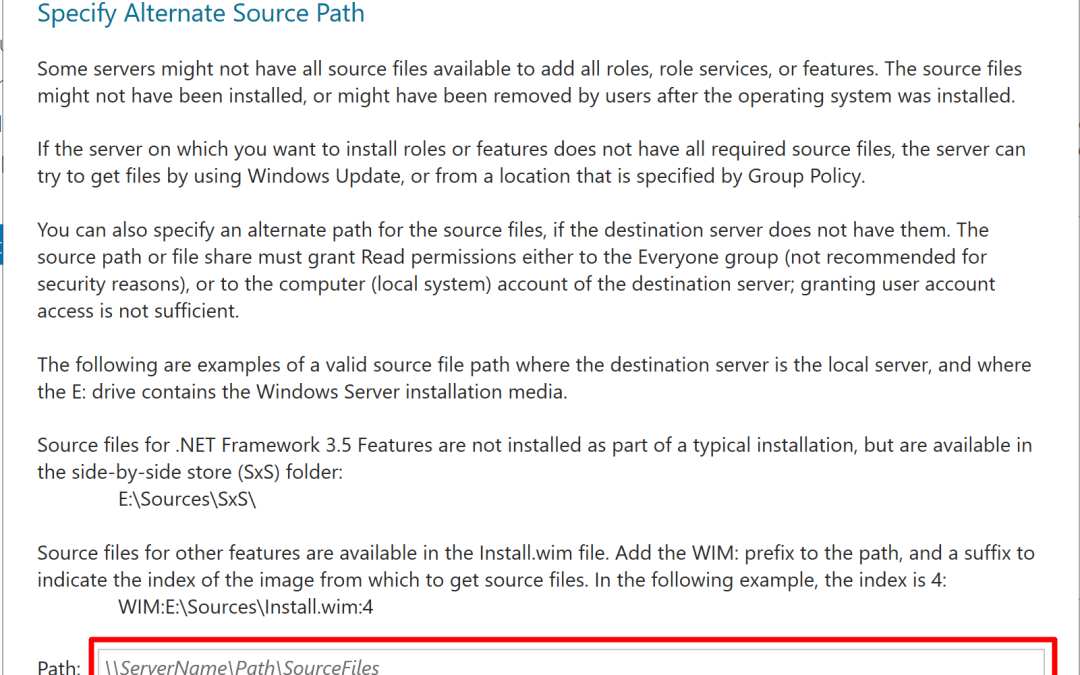
NET Framework is a very important component of Microsoft Windows which is used for running and creating applications of next-generation and services which are based on XML web. This framework possesses the ability to deliver value to your business with a much...
If you’re looking to Encoding RDP 2022, you’ve come to the right place. In this blog post, we’ll go over everything you need to know in order to encode this standard. As the world’s population continues to grow, the demand for food will increase....
Read this article to know, ‘What Is The Difference Between Private RDP and Residential RDP?’. Access to a computer or server can be done remotely via RDP (Remote Desktop Protocol). It serves as a point of entry into a distant system. Remote Desktop Protocol (RDP) is...