How to Use the Firewall GUI (GUFW) in Ubuntu Linux
GUFW is a window for the firewall built into Ubuntu. Install it, switch the firewall on, add rules for programs and ports, and use network profiles.
3 min readBy Swati
Reviewed by the AmazingRDP technical team
On a server the same firewall is run with ufw commands. A Linux VPS gives you root access. See Linux VPS from $6.99
Ubuntu comes with a firewall called UFW, which is switched off on a fresh desktop installation and is controlled from the command line. GUFW puts a window on top of it: one switch, a list of rules, and no commands to remember. Both manage the same firewall, so rules made in one show up in the other.
Install
sudo apt update
sudo apt install gufw
Or search for "Firewall Configuration" in the software centre. Start it from the applications menu as Firewall Configuration; it asks for your password, since changing the firewall needs administrator rights.
Switch the firewall on
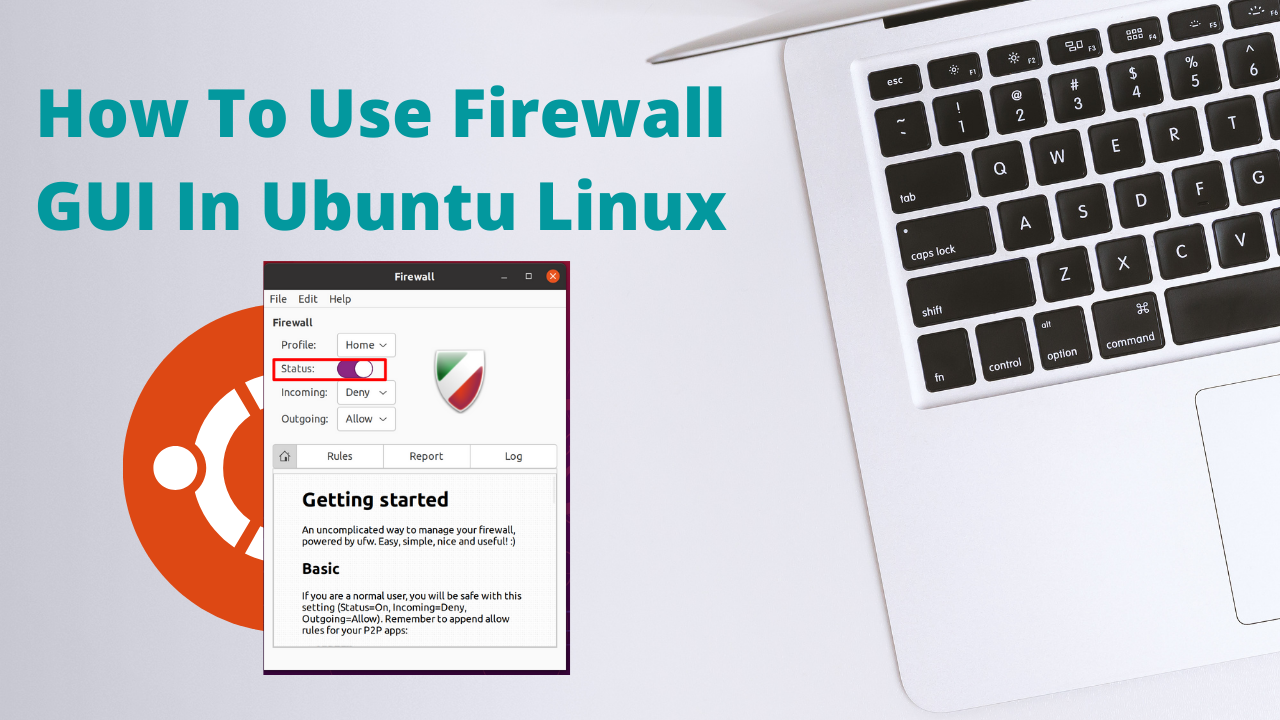
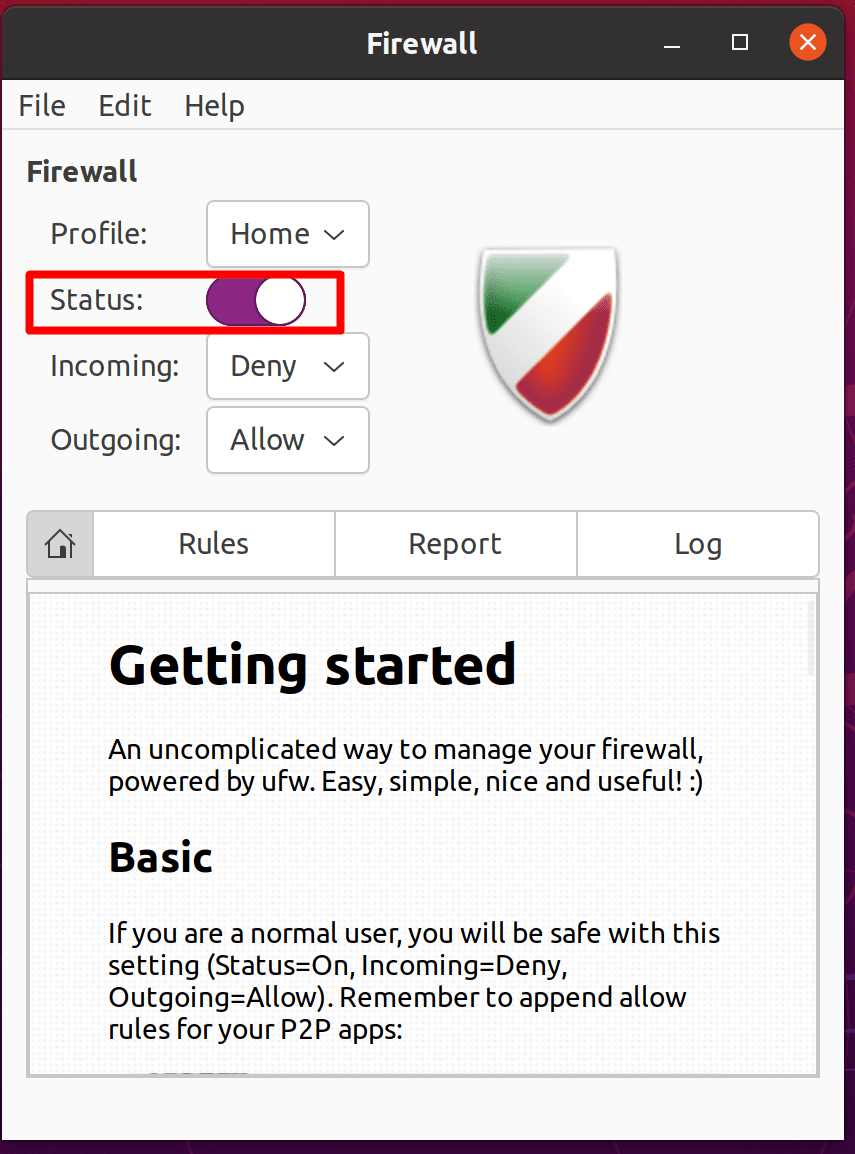
Move the Status switch to on. The shield turns from grey to colour. The defaults are sensible for a desktop:
- Incoming: Deny. Nothing from outside may start a connection to your computer.
- Outgoing: Allow. Your own programs may connect out.
Browsing, mail and updates keep working, because replies to connections you started are always let through.
Profiles
The Profile list offers Home, Office and Public. Each keeps its own defaults and rules, so a laptop can be open to the printer at home and closed to everything in a café. Choose the profile when you change networks.
Add a rule
Open the Rules tab and click the plus sign. There are three ways to describe a rule:
| Tab | Use it for |
|---|---|
| Preconfigured | Known programs and services by name: SSH, Samba, a game, a torrent client. GUFW knows their ports |
| Simple | A port number you type, for example 8080, with TCP, UDP or both |
| Advanced | A rule limited to certain addresses: for example SSH from one IP address only |
For each rule choose the direction (In or Out) and the policy:
- Allow: let it through.
- Deny: drop it silently.
- Reject: refuse it and tell the sender.
- Limit: allow, and block an address that tries too often. Good for SSH.
To remove a rule, select it in the list and click the minus sign.
See what is happening
- The Report tab lists programs on your computer that are listening for connections. Selecting one and clicking the plus sign makes a rule for it.
- The Log tab shows what GUFW changed. Logging of blocked connections is set under Edit, Preferences.
Examples
| You want | Rule |
|---|---|
| Others on the network to open your shared folders | Preconfigured, Samba, In, Allow |
| To log in to this computer by SSH | Preconfigured, SSH, In, Limit |
| A local web server visible to the network | Simple, port 80, TCP, In, Allow |
| SSH from one address only | Advanced, In, Allow, From: that address, To: port 22 |
On a server
GUFW needs a desktop, and servers normally have none. There the same firewall is run with a handful of commands, and one rule comes before all others: allow SSH before you switch the firewall on, or you lock yourself out.
sudo ufw allow OpenSSH
sudo ufw enable
sudo ufw status
The full command guide: open or block a port in the Ubuntu firewall. To see which ports are in use at all: list open ports on Linux.
If something stops working
- Switch the firewall off for a moment. If the problem stays, the firewall is not the cause.
- Check that you are in the profile you made the rule in.
- A rule for the wrong protocol (TCP where UDP is needed) looks right and does nothing.
- Edit, Reset Current Profile removes all rules of the profile and starts again.
For a server to manage, see our Linux VPS plans.
Questions
What is GUFW?
A graphical program for UFW, the firewall built into Ubuntu. It lets you switch the firewall on and add rules without commands.
How do I install the firewall GUI in Ubuntu?
Run sudo apt install gufw and start "Firewall Configuration" from the menu.
Is the Ubuntu firewall on by default?
No. UFW is installed and switched off on a fresh desktop installation. Switch it on in GUFW or with sudo ufw enable.
Can I use GUFW on a server?
Only if it has a desktop. On a normal server, use the ufw commands, and allow SSH before enabling.