How to Open or Block a Port in the Ubuntu Linux Firewall
Open, limit and block ports on Ubuntu with UFW: allow SSH before you switch the firewall on, open ports for one address only, and remove rules again.
2 min readBy Swati
Reviewed by the AmazingRDP technical team
A Linux VPS gives you root access and full control of the firewall. See Linux VPS from $6.99
Ubuntu's firewall tool is UFW, the "uncomplicated firewall". It decides which ports of the machine can be reached from outside. A port must be open for a service to be reachable: 22 for SSH, 80 and 443 for a website. Everything else is best left closed.
1. See the current state
sudo ufw status verbose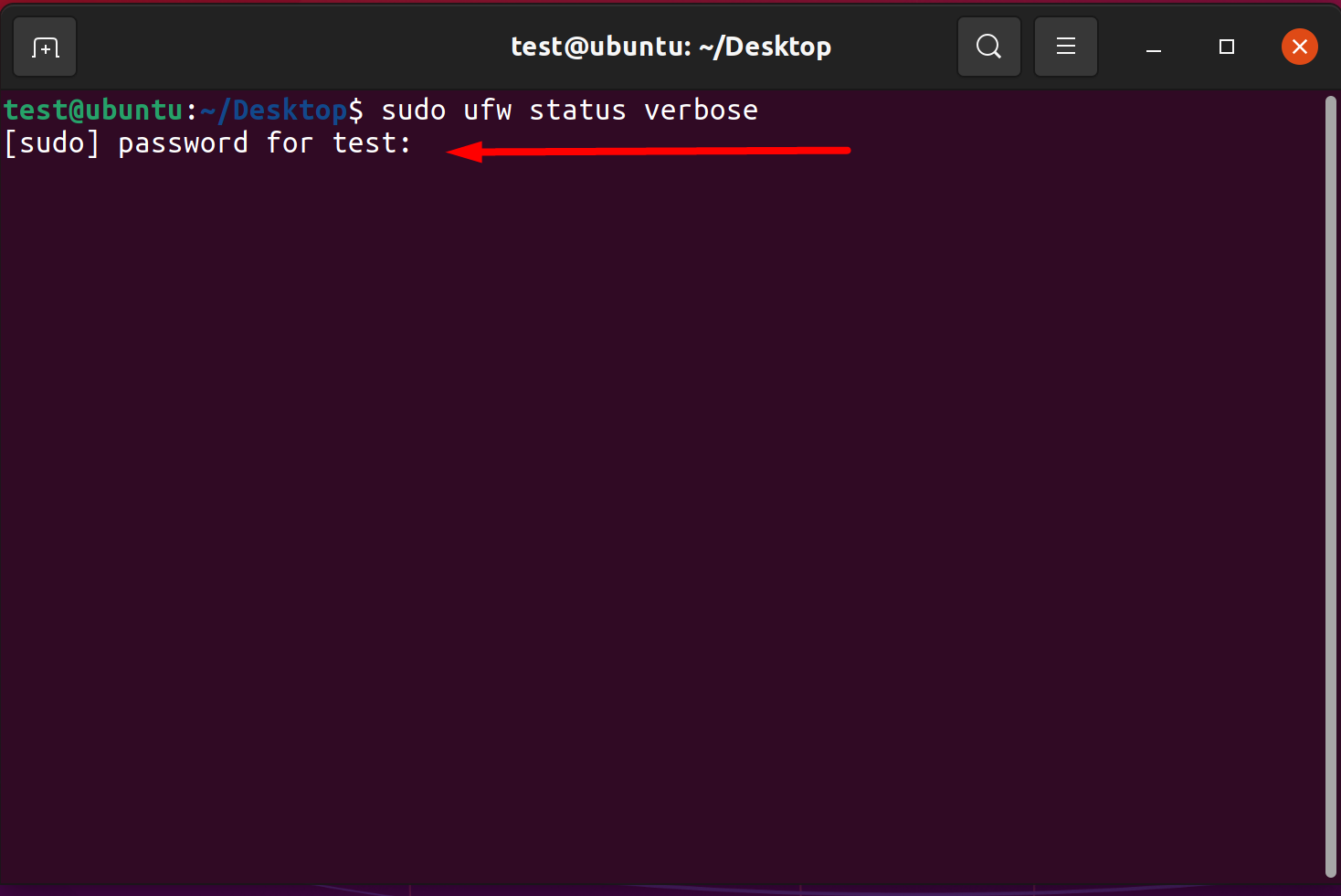
On a new system it usually says Status: inactive: the firewall is installed but switched off.
2. On a remote server: allow SSH first
This order matters. When UFW is switched on, it blocks every incoming connection that has no rule, including the SSH session you are typing in. Allow SSH before you enable it:
sudo ufw allow OpenSSHIf your SSH server uses another port, allow that number instead, for example sudo ufw allow 2222/tcp.
3. Switch the firewall on
sudo ufw enable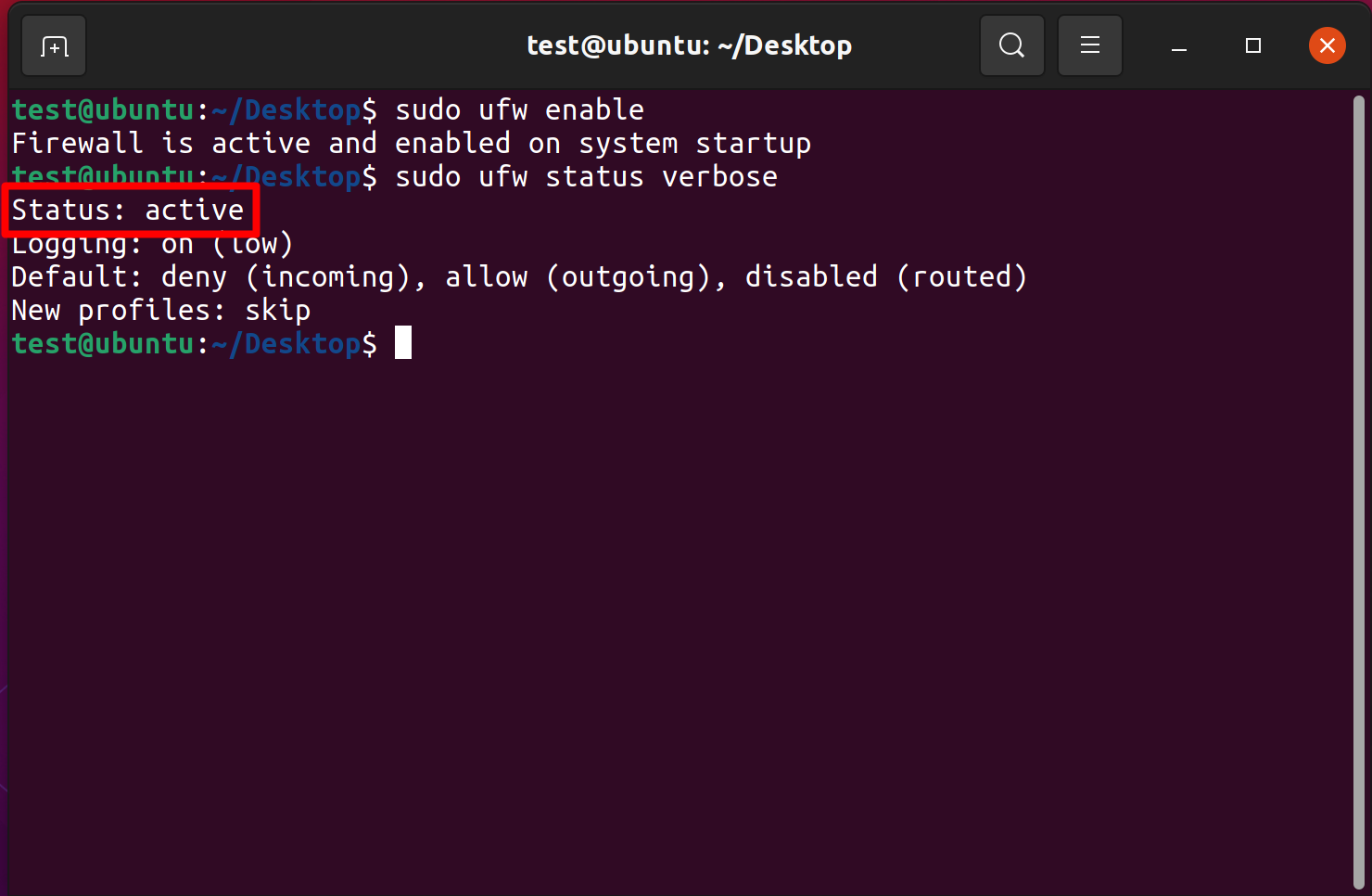
The defaults are sensible: incoming connections are denied, outgoing ones allowed. The firewall also starts with the system from now on.
4. Open a port
sudo ufw allow 80/tcp
sudo ufw allow 443/tcp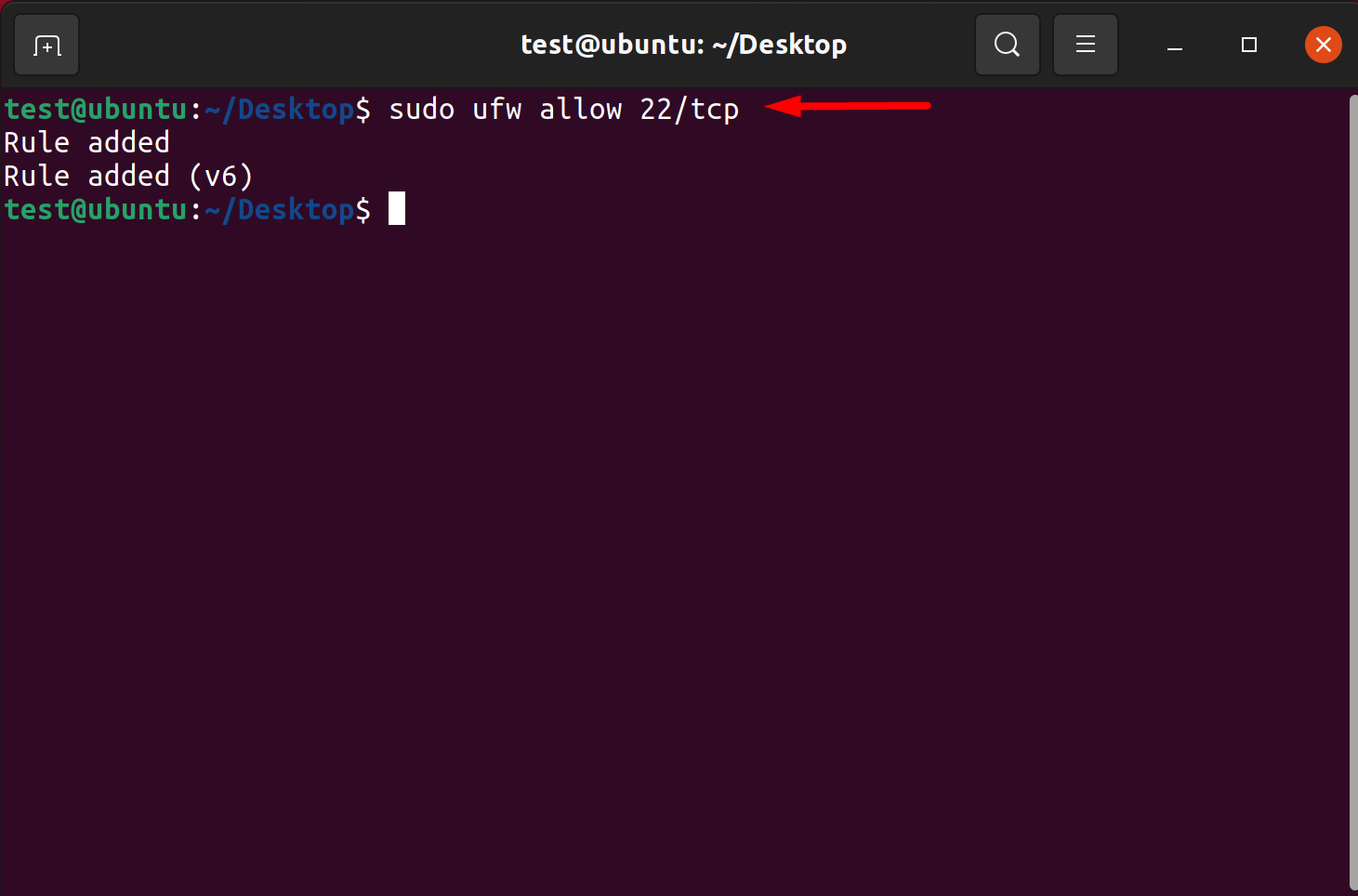
Other forms you will need:
| Task | Command |
|---|---|
| A UDP port | sudo ufw allow 1194/udp |
| A range | sudo ufw allow 8000:8100/tcp |
| Only from one address | sudo ufw allow from 203.0.113.10 to any port 3306 proto tcp |
| Only from one network | sudo ufw allow from 192.168.1.0/24 to any port 445 proto tcp |
| By service name | sudo ufw allow "Nginx Full" (list names with sudo ufw app list) |
Opening a port "only from one address" is the right choice for databases, admin panels and remote desktops.
5. Block a port
sudo ufw deny 3306/tcp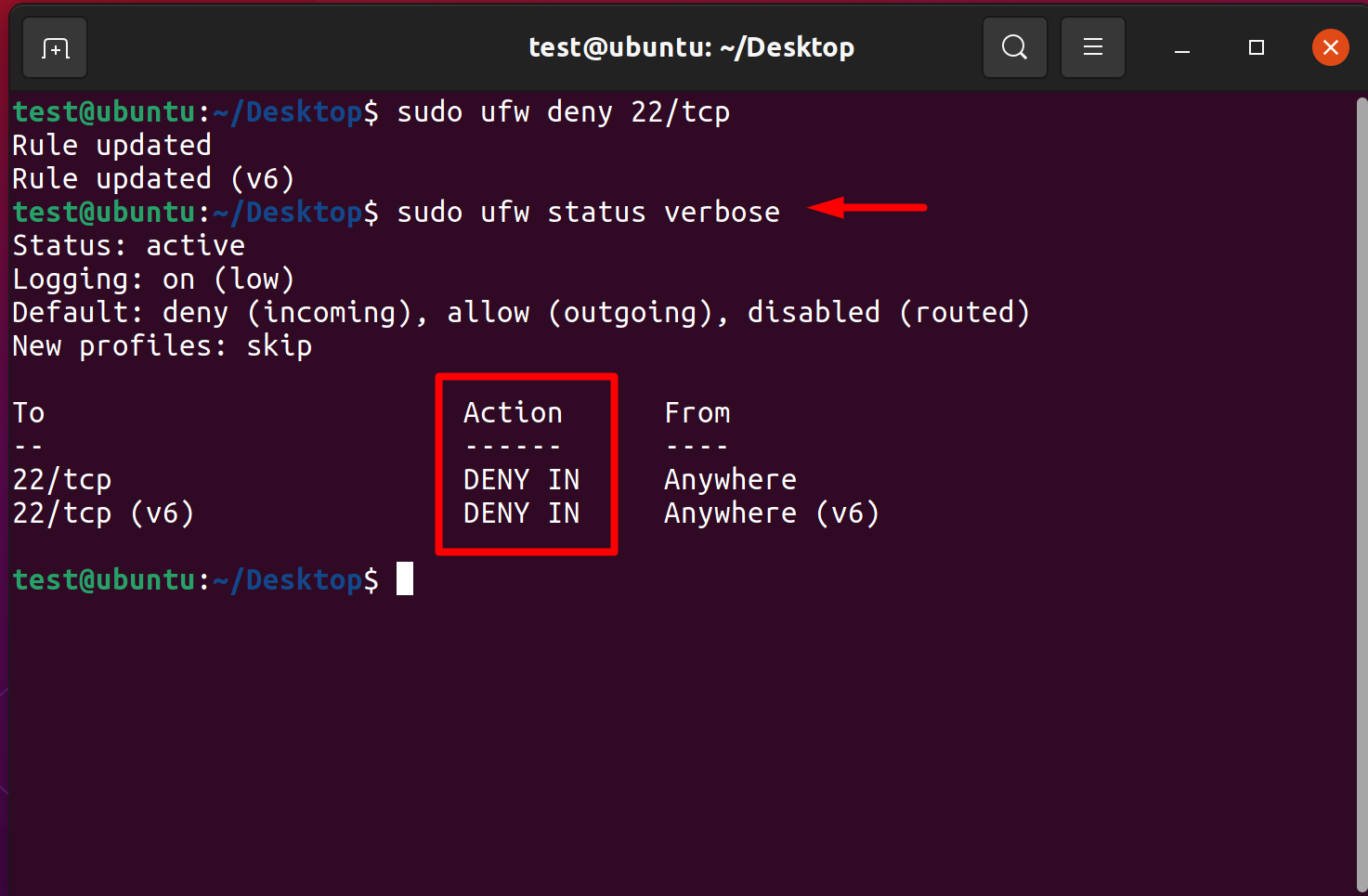
The screenshot shows port 22 being denied on a desktop machine. Do not do that on a server you reach over SSH: you would lock yourself out. With the default "deny incoming", a port without a rule is closed anyway; an explicit deny is for making an exception inside a wider allow rule. To slow down password guessing on SSH, use:
sudo ufw limit OpenSSH6. Remove a rule
sudo ufw status numbered
sudo ufw delete 3
The first command lists the rules with numbers; the second removes the one you name. Numbers shift after each deletion, so list again before deleting the next.
Check from outside
From another computer:
nc -zv SERVER_IP 80"succeeded" means the port is open and a program is answering on it. If the firewall is open but nothing listens, the test still fails. On the server, sudo ss -tlnp shows which programs listen on which ports.
If you locked yourself out
Use your provider's console, which reaches the server without the network, sign in there, and run sudo ufw allow OpenSSH or sudo ufw disable.
Two things UFW does not cover
- Docker. Ports published by Docker containers bypass UFW's rules. Bind such ports to
127.0.0.1or control them in Docker. - A firewall in front. Some providers have their own network firewall; a port must be open in both.
On a Linux VPS you have root access and set all of this yourself. Related guides: set a static IP on Ubuntu Server, Samba on Ubuntu and, for Windows, enable a port through PowerShell.
Questions
How do I open a port in Ubuntu?
Run sudo ufw allow PORT/tcp, for example sudo ufw allow 443/tcp.
How do I check which ports are open in UFW?
Run sudo ufw status verbose, or sudo ufw status numbered to see rule numbers.
Will enabling UFW disconnect my SSH session?
It will block new SSH connections unless you allowed SSH first. Run sudo ufw allow OpenSSH before sudo ufw enable.
How do I delete a UFW rule?
List the rules with sudo ufw status numbered and run sudo ufw delete NUMBER.