
Buy Private RDP in Multiple Region - Starting from $6.99/month
Why to choose Private RDP?
- Full Server Control – No Sharing
- 100% Root Admin Access
- Linux/Windows Server OS Options
- Truly Private Infrastructure
- Built-in OpenVNC Access
- Free Control Panel
- Multiple Regions
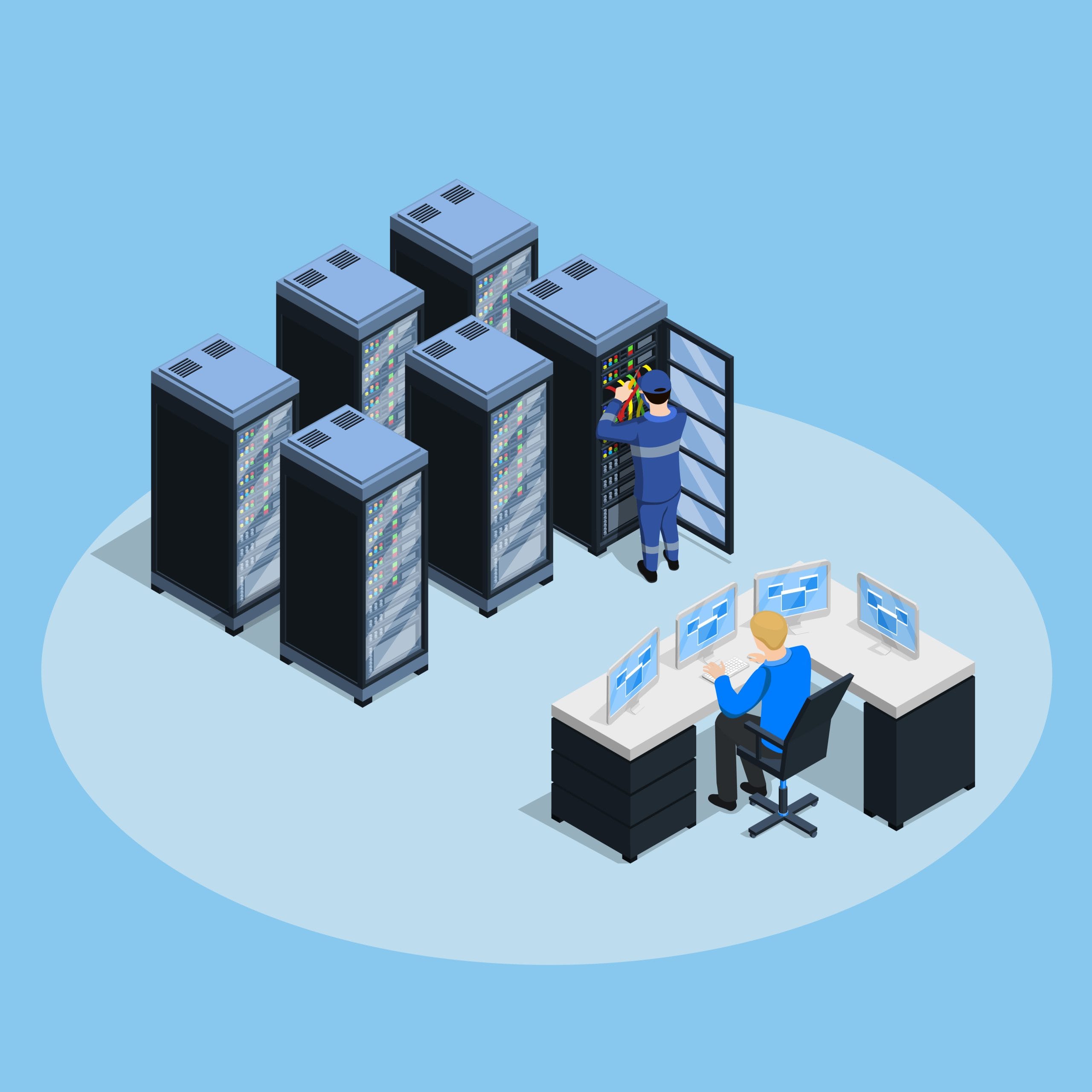
What is Private RDP? – Fully Isolated Remote Desktop with Exclusive Admin Access

Private RDP is a high-performance Remote Desktop solution offering dedicated resources and full administrative control. Unlike shared RDP services, Private RDP ensures that your server environment is completely isolated—meaning no resource sharing, no performance drops, and enhanced privacy. With full root/admin access, you have the freedom to install applications, configure settings, manage security, and run custom workloads as needed. Each Private RDP plan includes OpenVNC access, allowing you to troubleshoot at the hardware level—even when the operating system is inaccessible—giving you complete control over your machine at all times. These plans are perfect for developers, businesses, and professionals who require stable and secure remote desktop environments for hosting applications, managing tasks, or running tools. Available across multiple global regions, Private RDP offers flexibility in choosing server locations best suited to your operations. Experience unmatched reliability, security, and control with our Private RDP plans tailored to meet advanced computing needs.
Buy Private RDP - Plans & Pricing - Multi Region RDP
Choose from our powerful Private RDP plans designed for full control, dedicated resources, and secure remote access – available in multiple global locations.
Australia RDP
Starting From- 1 Core vCPU
- 1 GB DDR4 RAM
- 30 GB SSD Storage
- 500 GB Bandwidth
- Upto 1 Gbps Network Speed
- Windows Server (Trial)
- Full Admin Access
- Instant Delivery (Max 4 hrs.)
- Free Control Panel (Reboot, Reinstall & VNC)
Canada RDP
Starting From- 1 Core vCPU
- 1 GB DDR4 RAM
- 20 GB SSD Storage
- 500 GB Bandwidth
- Upto 1 Gbps Network Speed
- Windows Server (Trial)
- Full Admin Access
- Instant Delivery (Max 4 hrs.)
- Free Control Panel (Reboot, Reinstall & VNC)
Finland RDP
Starting From- 2 Core vCPU
- 4 GB DDR4 RAM
- 50 GB SSD Storage
- 1 TB Bandwidth
- Upto 1 Gbps Network Speed
- Windows Server (Trial)
- Full Admin Access
- Instant Delivery (Max 4 hrs.)
- Free Control Panel (Reboot, Reinstall & VNC)
France RDP
Starting From- 1 Core vCPU
- 1 GB DDR4 RAM
- 20 GB SSD Storage
- 500 GB Bandwidth
- Upto 1 Gbps Network Speed
- Windows Server (Trial)
- Full Admin Access
- Instant Delivery (Max 4 hrs.)
- Free Control Panel (Reboot, Reinstall & VNC)
Germany RDP
Starting From- 2 Core vCPU
- 4 GB DDR4 RAM
- 50 GB SSD Storage
- 1 TB Bandwidth
- Upto 1 Gbps Network Speed
- Windows Server (Trial)
- Full Admin Access
- Instant Delivery (Max 4 hrs.)
- Free Control Panel (Reboot, Reinstall & VNC)
Hong Kong RDP
Starting From- 2 Core vCPU
- 2 GB DDR4 RAM
- 100 GB SSD Storage
- 1 TB Bandwidth
- Upto 1 Gbps Network Speed
- Windows Server (Trial)
- Full Admin Access
- Instant Delivery (Max 4 hrs.)
- Free Control Panel (Reboot, Reinstall & VNC)
India RDP
Starting From- 1 Core vCPU
- 1 GB DDR4 RAM
- 30 GB SSD Storage
- 100 GB Bandwidth
- Upto 1 Gbps Network Speed
- Windows Server (Trial)
- Full Admin Access
- Instant Delivery (Max 4 hrs.)
- Free Control Panel (Reboot, Reinstall & VNC)
Netherlands RDP
Starting From- 2 Core vCPU
- 4 GB DDR4 RAM
- 50 GB SSD Storage
- 1 TB Bandwidth
- Upto 1 Gbps Network Speed
- Windows Server (Trial)
- Full Admin Access
- Instant Delivery (Max 4 hrs.)
- Free Control Panel (Reboot, Reinstall & VNC)
Russia RDP
Starting From- 2 Core vCPU
- 2 GB DDR4 RAM
- 50 GB SSD Storage
- 1 TB Bandwidth
- Upto 1 Gbps Network Speed
- Windows Server (Trial)
- Full Admin Access
- Instant Delivery (Max 4 hrs.)
- Free Control Panel (Reboot, Reinstall & VNC)
Singapore RDP
Starting From- 1 Core vCPU
- 4 GB DDR4 RAM
- 100 GB SSD Storage
- 1 TB Bandwidth
- Upto 1 Gbps Network Speed
- Windows Server (Trial)
- Full Admin Access
- Instant Delivery (Max 4 hrs.)
- Free Control Panel (Reboot, Reinstall & VNC)
UK RDP
Starting From- 1 Core vCPU
- 2 GB DDR4 RAM
- 30 GB SSD Storage
- 1 TB Bandwidth
- Upto 1 Gbps Network Speed
- Windows Server (Trial)
- Full Admin Access
- Instant Delivery (Max 4 hrs.)
- Free Control Panel (Reboot, Reinstall & VNC)
USA RDP
Starting From- 1 Core vCPU
- 1 GB DDR4 RAM
- 20 GB SSD Storage
- 500 GB Bandwidth
- Upto 1 Gbps Network Speed
- Windows Server (Trial)
- Full Admin Access
- Instant Delivery (Max 4 hrs.)
- Free Control Panel (Reboot, Reinstall & VNC)
Private RDP Features & Benefits

Full Admin Access
Enjoy 100% root admin access to manage, install software, and customize your RDP environment freely.
Free Control Panel Access
Easily reboot, power off, reinstall OS, or access via VNC with a user-friendly control panel – no tech skills needed.
Windows OS
Pre-installed Windows OS (Trial) with full admin rights, ready to use instantly for all your remote desktop tasks.
Customizable Specifications
Custom vCPU cores, RAM, and storage you need—flexible plans tailored to match your specific requirements.
BULK ORDER? GET HUGE DISCOUNT ON RDP & DEDICATED SERVER
Customer’s Review
I and My friend is using private RDP VPS of Amazingrdp for the past 10 months. We are very happy and satisfied with the service and support provided by them. Here with the private RDP VPS login details, we got the control panel in our client area also where we can restart, reboot, and can change the password of the server, also I can overview my usage. I like this service very much. And whenever we need them they are always available to help us and fix our issues instantly. Such a good company, I would recommend them to all.
I recently purchased private RDP with full root admin access from Amazingrdp for 6 months. I’m so happy with the Live chat support team they provided me with 10% instant off on the purchase of semi-annual private RDP VPS. Got the login details instantly once I paid for it. Superfast service. I really liked it.
I was looking for cheap private RDP VPS and came to know about Amazingrdp through one of their Facebook posts. And my search ended here, they are the best RDP provider in the market. Contacted the live chat support team and they helped me in placing my order. I purchased a Europe location private RDP VPS at a very reasonable price. I could say that I’ve never seen any other RDP provider as much active as Amazingrdp, especially their social media posts. They are active on All social media platforms with regular posts and coupon code updates. I could say that they have a super-amazing team.
AmazingRDP Available Datacenter Regions – Global Coverage, Local Performance
AmazingRDP offers a wide range of datacenter locations across the globe, allowing you to deploy your RDP, VPS, or Dedicated Server in the region closest to your users. This ensures faster connection speeds, lower latency, and a smoother overall experience—whether you’re targeting customers in North America, Europe, Asia, or beyond.

Remote Desktop Protocol (FAQs)
What is Remote Desktop Protocol (RDP)?
The remote desktop protocol is an approach to accessing windows from a remote area without really accessing your device from its actual location. Moreover, the users using the remote desktop protocol can utilize their windows platform anytime and any place they want. The remote desktop protocol is a product from Microsoft Corporation.
How to Connect RDP Through Desktop?
Here are the steps to connect RDP Through Desktop:
1. Window key +R, enter the command “mstsc”, and click on the OK button.
2. Enter the RDP IP Address, and click on connect.
3. Click on “Use another account”.
4. Type “username” & “password”, and click on OK Button.
5. You can checkmark” Remember my credentials”(optional) and click on the Ok button.
6. Checkmark on ” Don’t ask me again for connections to this computer”, and click on the “Yes” button.
7. Now you are connected.
Or You Can Read Our Blog “Here How To Connect RDP Through Desktop“.
What's your setup time for the servers, once the payment is confirmed?
Usually the RDP details are delivered within 15-30 mins of payment. However, in some cases, it may take 12-24 hours.
Do you provide a Trial/Demo On Your Plans?
Yes, we provide trial/demo on our shared plan and on private plans only. No trial/demo is available on any Dedicated Plan and Residential Plan.
For what purpose is RDP used?
1. Nowadays RDP is widely used around the world for bloggers, Encoders, Uploaders, Torrenters, YouTubers, and many more categories.
2. It is used for Uploading/Downloading software, Movies, Torrents Etc. also used for Encoding Videos for Fast Encoding.
3. If you’re a Website Developer, Website Designer, Freelancer, or Digital Marketer, then you need an RDP to get rid of Load Shedding/Power Loss and never lose your online work again and work in Powerful Systems.
Which Payment Gateways are Available? Is there any Money Back Guarantee?
We Accept Payment via Bitcoin, Perfect Money, WebMoney, Credit Card, Debit Card, PayPal, Payoneer, PayTM(Indian Users), Instamojo(Indian Users), and Bank Transfer(Indian Users). Yes, we have 24 hours money-back Guarantee. Kindly read our Refund Policy Carefully before placing an order.
Note: No refund is applicable on any Dedicated and Residential plans due to the nature of service.