Storage Spaces Direct (S2D): What It Is and When to Use It
Storage Spaces Direct turns the local drives of several Windows servers into one fault-tolerant storage pool. How it works, what it requires, and when it fits.
3 min readBy Soumya
Reviewed by the AmazingRDP technical team
Planning storage on your own hardware? See our dedicated servers, and ask support before planning a cluster. See Cheap Dedicated Servers from $38.99
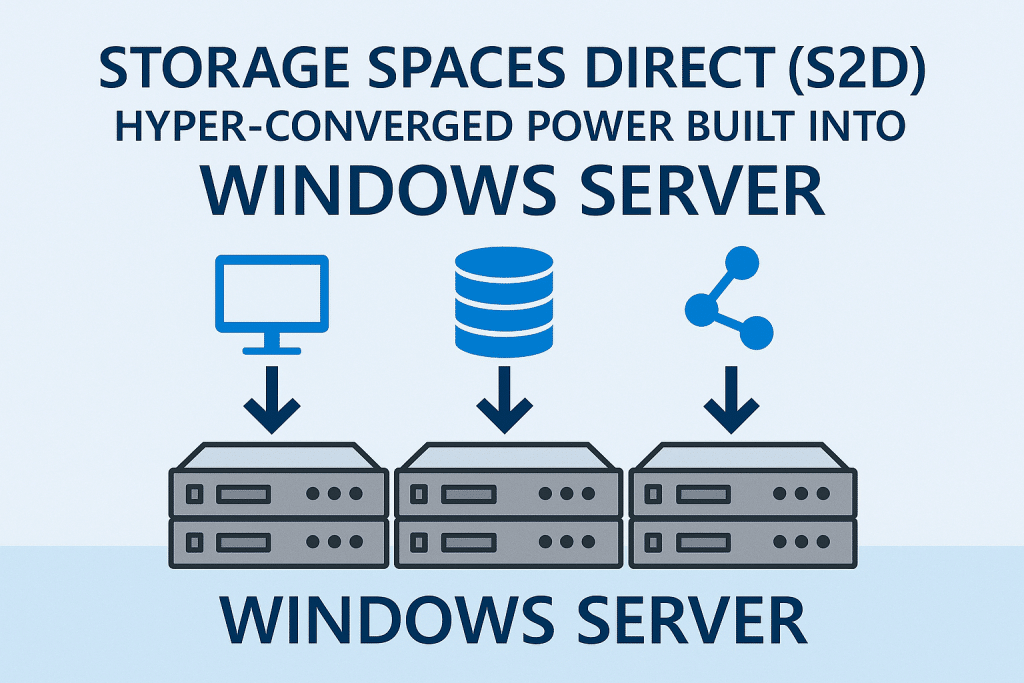
Storage Spaces Direct, S2D for short, is a feature of Windows Server that joins the drives inside several servers into one shared pool of storage. If a drive or a whole server fails, the data stays available. It replaces the separate storage system (a SAN) that such setups used to need.
How it works
- Two to sixteen servers are joined in a Windows failover cluster.
- S2D takes every eligible local drive in all of them into one storage pool.
- From the pool you create volumes. Each piece of data is stored on more than one server.
- The volumes appear on every server at once, so a virtual machine can run on any of them and move between them.
When the same servers also run the virtual machines, the design is called hyper-converged: computing and storage in one set of machines.
How the data is protected
| Type | Copies | Usable share of raw space | Survives |
|---|---|---|---|
| Two-way mirror | 2 | About half | One failure |
| Three-way mirror | 3 | About a third | Two failures at once |
| Parity | Data plus check information | More than a mirror | One or two failures, with slower writes |
Mirrors are fast and are the usual choice for virtual machines. Parity saves space and suits archives and backups.
What it requires
- Windows Server Datacenter edition on every server. Standard edition does not include S2D.
- At least two servers, of the same or very similar hardware. Three or more are needed for three-way mirrors.
- Fast networking between them: 10 Gbit/s at least, 25 Gbit/s and RDMA-capable cards for good performance. All writes cross this network.
- Drives attached directly, not behind a RAID controller in RAID mode. NVMe or SSD; hard disks only together with faster drives as a cache.
- Hardware that passes cluster validation. Microsoft and server makers publish tested combinations.
The setup in outline
Install-WindowsFeature -Name Hyper-V, Failover-Clustering, FS-FileServer -IncludeManagementTools
Test-Cluster -Node srv1, srv2, srv3 -Include "Storage Spaces Direct", Inventory, Network, "System Configuration"
New-Cluster -Name cluster1 -Node srv1, srv2, srv3 -NoStorage
Enable-ClusterStorageSpacesDirect
New-Volume -FriendlyName vol1 -FileSystem CSVFS_ReFS -StoragePoolFriendlyName S2D* -Size 1TB
The first line runs on every server. The second checks whether the hardware is fit; read its report before going on. The last two switch S2D on and create a volume. A real deployment adds network design, a cluster witness and monitoring; Microsoft's documentation walks through each.
Where it fits
- A company's own virtualisation cluster of three or more servers.
- Branch offices with two servers and no storage system.
- File servers and databases that must stay up when hardware fails.
Where it does not
- A single server. S2D is for clusters. On one machine, ordinary Storage Spaces or RAID protects against a drive failure.
- Servers in different places, or joined by a slow network.
- Small budgets. Datacenter licences for every core of every server cost real money.
- As a backup. It keeps data available through hardware failure. It does not bring back a deleted or encrypted file.
S2D and Azure Local
Microsoft sells the same technology in a second form: Azure Local, earlier called Azure Stack HCI, a subscription-based system managed through Azure. Windows Server with S2D remains the route for those who want to own licences and manage on site.
On rented servers
S2D needs several matching servers on a fast private network, which is not what a single rented server provides. If you are considering it on hosted hardware, ask the provider about private networking between servers first. For storage on one machine, see our dedicated servers, and on Linux, LVM. To practise the cluster itself, build it from virtual machines: see setting up a virtual lab.
Questions
What is Storage Spaces Direct?
A Windows Server feature that pools the local drives of several clustered servers into shared, fault-tolerant storage.
How many servers does S2D need?
At least two, and up to sixteen in one cluster.
Which Windows Server edition includes S2D?
Datacenter edition.
Can I use Storage Spaces Direct on one server?
No. It is a cluster feature. On a single server use ordinary Storage Spaces or RAID.