How to Create a Sudo User on Ubuntu and Debian
Stop working as root: create a user, add it to the sudo group, give it your SSH key, test it, and only then switch root login off.
3 min readBy Smita
Reviewed by the AmazingRDP technical team
A Linux VPS gives you root access, and the choice of who else gets it. See Linux VPS from $6.99
A new Linux server usually comes with one account: root, which may do anything. Working as root all day is risky, because every typing mistake has full power and every login attempt from the internet aims at that name. The usual arrangement is a personal account that can borrow root's rights for single commands with sudo. Setting that up takes five steps.
Step 1: create the user
Logged in as root:
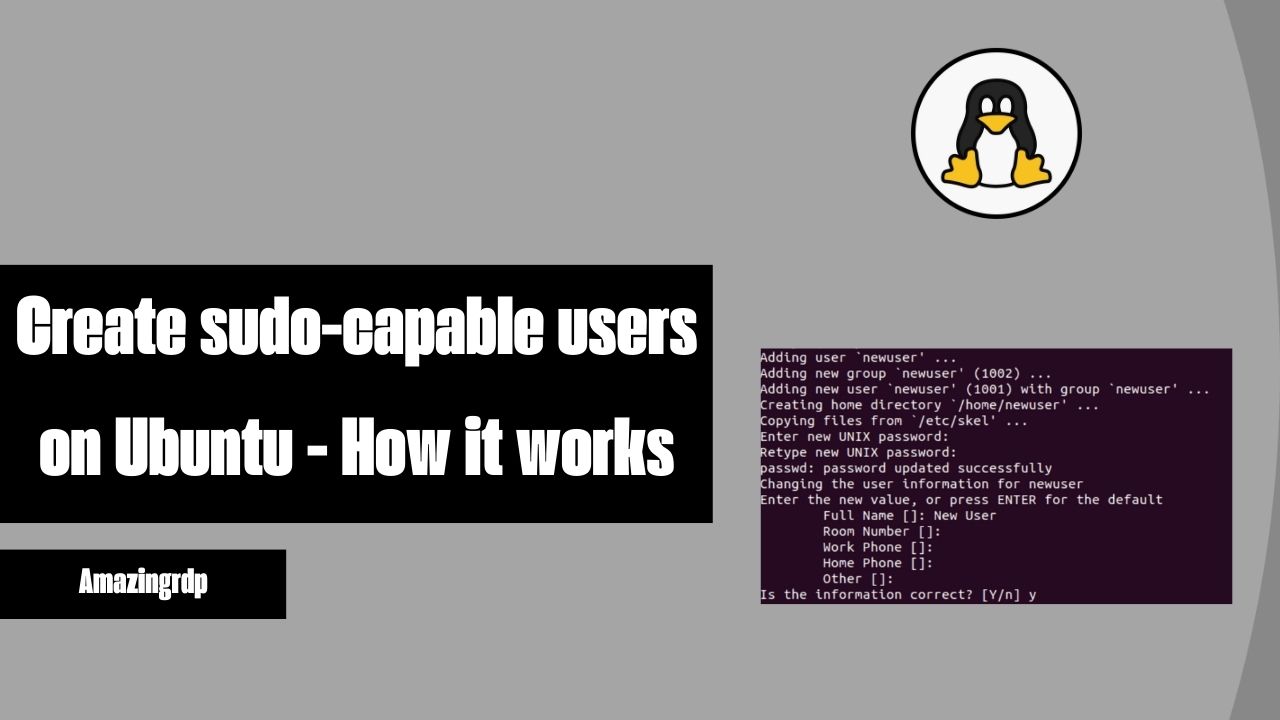
adduser annaYou are asked for a password, twice, and for optional details you can skip with Enter. adduser creates the home folder as well. (The lower-level command useradd does not, unless told to.)
Step 2: add the user to the sudo group
usermod -aG sudo annaOn Ubuntu and Debian, members of the group sudo may run any command as root. Do not forget the -a: without it the user is removed from all other groups. On the Red Hat family the group is called wheel. More on groups in adding users to a group.
Step 3: give the user your SSH key
If you log in to root with a key, copy it to the new account so that the same key works:
rsync --archive --chown=anna:anna ~/.ssh /home/annaIf you have no key yet, create one on your own computer and install it with ssh-copy-id anna@SERVER: see SSH keys on Linux.
Step 4: test in a second window
Keep the root session open. In a new terminal:
ssh anna@203.0.113.10
sudo whoami
The second command asks for anna's password and must answer root. If it does, the account works.
Step 5: switch root login off
Only after step 4 succeeded. In a file such as /etc/ssh/sshd_config.d/10-local.conf:
PermitRootLogin nosudo sshd -t && sudo systemctl reload sshTest once more in a new window before closing the old ones. The remaining SSH settings are in SSH hardening.
Using sudo
| Command | Does |
|---|---|
sudo apt update | Runs one command as root |
sudo -i | Opens a root shell, when many commands follow. Leave it with exit |
sudo -u postgres psql | Runs a command as another user |
sudo -l | Lists what you are allowed to do |
sudo !! | Repeats the previous command with sudo |
Sudo asks for your password, remembers it for a few minutes, and records each use in the system log.
Debian: if sudo is missing
A Debian installation where a root password was set does not install sudo. As root:
apt update && apt install sudo
usermod -aG sudo anna
The error sudo: command not found is covered in fixing "sudo: command not found".
Limited rights instead of everything
Group membership gives full power. To allow one user a few commands only, add a rule file with visudo, which checks the syntax before saving:
sudo visudo -f /etc/sudoers.d/deploydeploy ALL=(root) NOPASSWD: /usr/bin/systemctl restart myappNever edit these files with an ordinary editor: a syntax error locks everyone out of sudo. Use NOPASSWD sparingly and only for specific commands.
Check and undo
groups anna
getent group sudo
sudo deluser anna sudo
sudo deluser --remove-home anna
The first two show who has the right; the third takes it away; the fourth removes the account with its files. Group changes take effect at the user's next login.
Problems
| Message | Cause |
|---|---|
| "anna is not in the sudoers file" | Not in the group, or the user has not logged in again since being added |
| Password refused | Sudo wants the user's own password, not root's |
| Locked out after step 5 | Use the provider's console to log in and undo the change: see the server control panel |
Granting rights to an existing user, and the su command, are in granting su and sudo access. A server to practise on: Linux VPS.
Questions
How do I create a sudo user in Ubuntu?
As root run adduser NAME, then usermod -aG sudo NAME. Log in as that user and test with sudo whoami.
What is the sudo group?
On Ubuntu and Debian, the group whose members may run any command as root with sudo. On the Red Hat family it is called wheel.
Which password does sudo ask for?
Your own, not root's.
How do I remove sudo rights from a user?
Run sudo deluser NAME sudo.