Windows Search Not Working on Windows Server 2022? How to Fix It
Search on Windows Server 2022 finds nothing? The Windows Search service is off by default. Switch it on, rebuild the index and repair the Start menu.
3 min readBy Smita
Reviewed by the AmazingRDP technical team
A Windows server where you hold the administrator account, so fixes like this are yours to make. See Windows VPS from $8.99
On Windows Server 2022, search often disappoints: typing in the Start menu finds nothing, or File Explorer's search box crawls through a folder for minutes. Usually nothing is broken. Server editions ship with the Windows Search service switched off, because indexing costs disk and processor time that a server may not want to spend. This page shows how to switch it on, and what to do when search is frozen for other reasons.
Which problem do you have?
| Sign | Likely cause | Go to |
|---|---|---|
| File search is very slow, or finds no file contents | The Windows Search service is disabled | Fix 1 |
| Search finds old results and misses new files | The index is damaged or incomplete | Fix 2 |
| The Start menu search box does not open, or shows a blank panel | The search app or the shell is stuck | Fix 3 and Fix 4 |
| Nothing helps | Damaged system files | Fix 5 |
All fixes need an administrator account. On a shared remote desktop you do not have one; open a ticket instead.
Fix 1: switch on the Windows Search service
Open PowerShell as administrator:
Get-Service WSearch
Set-Service WSearch -StartupType Automatic
Start-Service WSearch
If the first command says the service does not exist, add the feature first, then repeat the lines above:
Install-WindowsFeature Search-ServiceIndexing now starts in the background. On a disk with many files it takes a while, and search improves as it goes. The same can be done by hand in services.msc: open Windows Search, set Startup type to Automatic, click Start.
Fix 2: rebuild the index
- Open Control Panel, Indexing Options.
- With Modify, check that the folders you search are included.
- Click Advanced, then Rebuild.
The old index is deleted and built again. Until it finishes, results are incomplete.
Fix 3: restart the search and shell processes
Open Task Manager (Ctrl + Shift + Esc), Details tab. End SearchHost.exe (it restarts by itself when you next search). If the Start menu is still stuck, select Windows Explorer on the Processes tab and click Restart.
Fix 4: register the built-in apps again
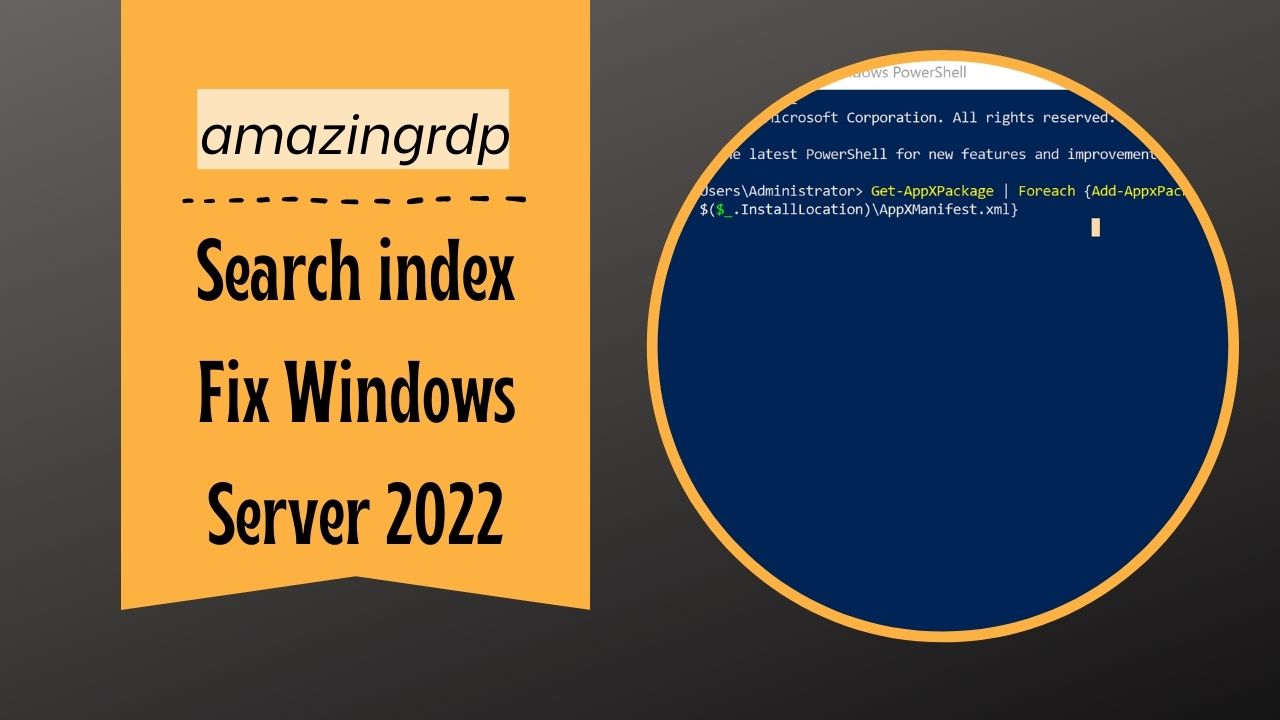
The Start menu and its search are apps. After some updates their registration breaks. In PowerShell as administrator:
Get-AppXPackage | Foreach {Add-AppxPackage -DisableDevelopmentMode -Register "$($_.InstallLocation)\AppXManifest.xml"}Red error lines for apps that are in use can be ignored. Sign out and in again afterwards. One condition: the Windows Defender Firewall service must be running for this command to work, even if you have switched the firewall's rules off. Check it with Get-Service mpssvc.
Fix 5: repair system files
sfc /scannow
DISM /Online /Cleanup-Image /RestoreHealth
Run the first; if it reports damage it could not repair, run the second and then the first again. Restart the server.
Should the search service run on a server at all?
| Server is used as | Advice |
|---|---|
| A remote desktop that people work on | Yes. Without it, Outlook and File Explorer search are painful |
| A file server whose shares are searched from PCs | Yes, on the data volumes |
| A web, database or application server | No need. Leave it off and use where or Get-ChildItem when you look for a file |
Without the index, a search from the command line is often quicker than File Explorer:
Get-ChildItem C:\Users -Recurse -Filter "*.log" -ErrorAction SilentlyContinue
where /r C:\ notepad.exe
Related
If Group Policy settings refuse to apply on the same server, see Group Policy changes not taking effect. Thumbnails missing in File Explorer are a separate setting: thumbnail previews on Windows Server 2022. For a server on which you are the administrator, see our Windows VPS plans.
Questions
Why does search not work on Windows Server 2022?
The Windows Search service is disabled by default on server editions. Set it to Automatic and start it.
How do I enable Windows Search on a server?
In PowerShell as administrator: Set-Service WSearch -StartupType Automatic, then Start-Service WSearch.
How do I rebuild the search index?
Control Panel, Indexing Options, Advanced, Rebuild.
Can I fix search on a shared RDP?
No. It needs administrator rights. Ask support.