How to Check GPU Information in Linux
Find your graphics card model, driver, memory and live usage in Linux with lspci, lshw, nvidia-smi, glxinfo and nvtop, on NVIDIA, AMD and Intel.
2 min readBy Swati
Reviewed by the AmazingRDP technical team
Need a graphics card in the datacentre? A GPU dedicated server gives you the whole machine. See GPU Dedicated Servers from $109.99
Which graphics card is in this machine, which driver is it using, and how busy is it? Linux answers all three from the terminal. The commands below work over SSH unless noted, on Ubuntu, Debian, Fedora and most other distributions.
Quick answer
| You want | Command |
|---|---|
| The card's model | lspci | grep -Ei 'vga|3d|display' |
| The driver in use | lspci -k | grep -EA3 'VGA|3D|Display' |
| Memory, temperature and load (NVIDIA) | nvidia-smi |
| Live usage, any brand | nvtop |
1. Find the model with lspci
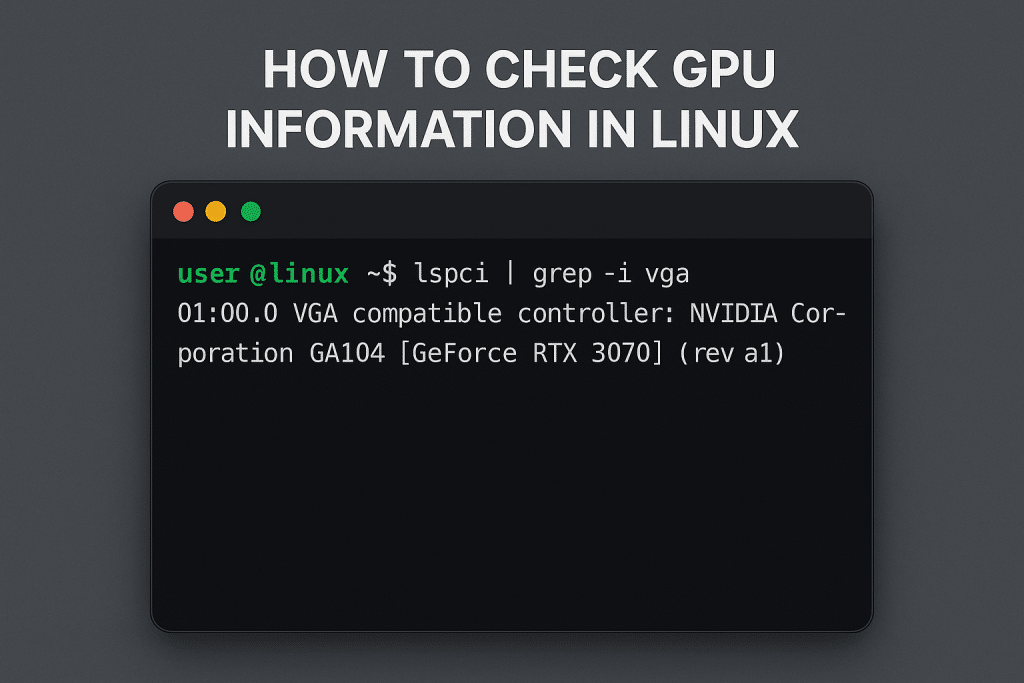
lspci | grep -Ei 'vga|3d|display'Example output:
01:00.0 VGA compatible controller: NVIDIA Corporation GP107 [GeForce GTX 1050 Ti] (rev a1)Search for all three words, not only "vga": a second card, and many server and laptop cards, are listed as "3D controller". If the command is missing, install the pciutils package.
2. See which driver is in use
lspci -k | grep -EA3 'VGA|3D|Display'Look for the line Kernel driver in use. nvidia is NVIDIA's own driver and nouveau the open one; amdgpu or radeon for AMD; i915 or xe for Intel. If the line is missing, no driver is loaded for the card.
3. More detail with lshw
sudo lshw -C displayThis lists the product, vendor, driver and the resources the card uses, one block per card.
4. NVIDIA: nvidia-smi
nvidia-smiIt shows the driver version, each card's temperature, load and memory use, and the processes using it. The tool comes with NVIDIA's driver; if the command is not found, that driver is not installed.
To watch it refresh every second:
watch -n 1 nvidia-smiFor scripts, ask for exact fields:
nvidia-smi --query-gpu=name,memory.total,memory.used,temperature.gpu,utilization.gpu --format=csv5. AMD and Intel
AMD, live usage:
sudo apt install radeontop
sudo radeontop
AMD, total video memory in bytes (with the amdgpu driver):
cat /sys/class/drm/card*/device/mem_info_vram_totalIntel, live usage:
sudo apt install intel-gpu-tools
sudo intel_gpu_top
6. One monitor for every brand: nvtop
sudo apt install nvtop
nvtop
nvtop looks like htop for graphics cards and supports NVIDIA, AMD and Intel in one screen. Press q to leave.
7. On a desktop: glxinfo
sudo apt install mesa-utils
glxinfo -B
This shows which card and driver actually draw the screen, and the OpenGL version. It needs a graphical session, so it does not work in a plain SSH login. If the renderer line says llvmpipe, the system is drawing with the CPU and the graphics driver is not in use.
A quick summary screen
The old post suggested neofetch. That project is no longer maintained; fastfetch is its usual replacement where your distribution offers it, and inxi -G prints a short graphics summary:
sudo apt install inxi
inxi -G
No graphics card found?
On a normal VPS, lspci shows only a small virtual display adapter, because no physical card is passed to the virtual machine. For rendering, encoding or machine learning you need a machine with a real card, such as a GPU dedicated server.
Related guides: fix "sudo: command not found" in Linux and installing and using FFmpeg in Python.
Questions
How do I check which GPU I have in Linux?
Run lspci | grep -Ei 'vga|3d|display'. It prints the model of every graphics card.
How do I check if the GPU driver is working?
Run lspci -k and look at "Kernel driver in use" under the card. For NVIDIA, nvidia-smi must also run without an error.
Can I monitor GPU temperature in Linux?
Yes. nvidia-smi shows it for NVIDIA cards, and nvtop shows it for NVIDIA, AMD and Intel.
Do these commands work for AMD and Intel GPUs?
lspci, lshw, glxinfo and nvtop work for every brand. nvidia-smi is for NVIDIA only.