How to Use Ansible for Server Automation
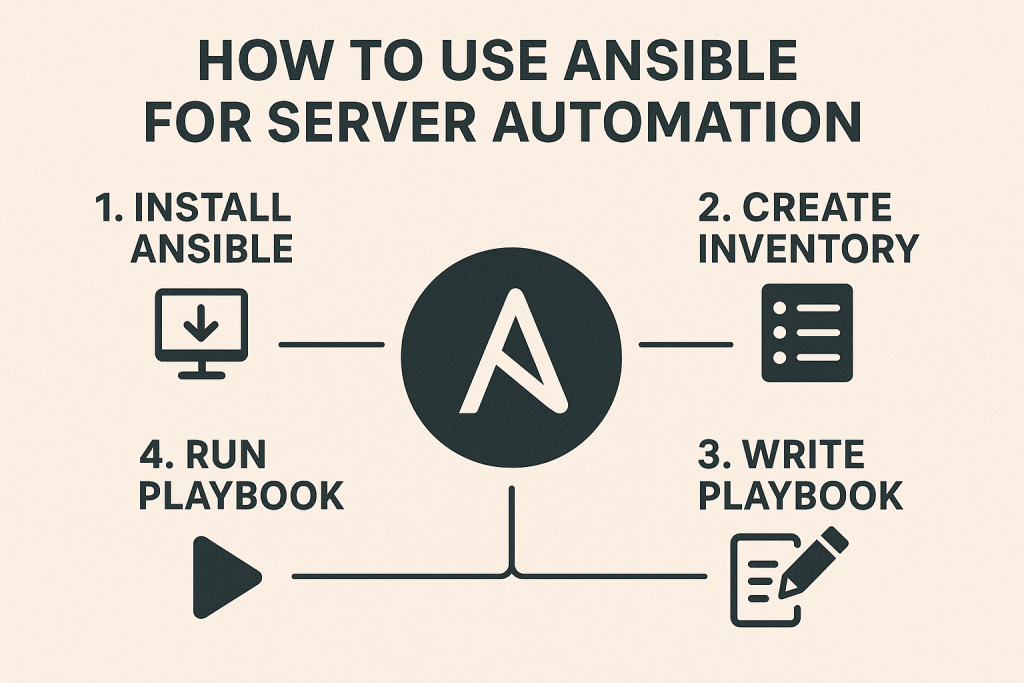
Ansible configures servers over SSH from a description you write once. Install it, list your servers, run a first command, and write a first playbook.
3 min readBy Swati
Reviewed by the AmazingRDP technical team
Something to automate: a Linux VPS gives you root access over SSH. See Linux VPS from $6.99
Setting up one server by hand is fine. Setting up the fifth the same way, six months later, from memory, is where mistakes start. Ansible replaces the memory with a file: you describe how a server should look, and Ansible makes it so, on one server or fifty, over the SSH connection you already use.
How it works
- The control machine is your own computer, or one server you manage from. Ansible is installed only here.
- The managed servers need nothing but SSH and Python, which Linux servers have. There is no agent to install.
- The inventory is the list of your servers.
- A playbook is a file describing the state you want.
Install
sudo apt update
sudo apt install ansible
ansible --version
On a Mac: brew install ansible. On any system, for the newest version: pipx install --include-deps ansible. Windows can manage servers from inside WSL.
Prepare the connection
Ansible logs in with SSH keys. If you have none yet, see generating an SSH key. Check that ssh user@server works without a password prompt before going on.
The inventory
Create a folder for your project and a file named inventory.ini in it:
[web]
web1 ansible_host=203.0.113.10
web2 ansible_host=203.0.113.11
[db]
db1 ansible_host=203.0.113.20
[all:vars]
ansible_user=admin
Groups in square brackets let you address several servers at once.
A first command
ansible all -i inventory.ini -m ping
ansible web -i inventory.ini -a "uptime"
ansible all -i inventory.ini -b -m apt -a "update_cache=yes upgrade=dist"
The first checks that Ansible can log in everywhere and answers pong. The second runs a command on the web group. The third updates all packages on all servers; -b means "become root" with sudo.
A first playbook
Create site.yml:
- name: Basic web server
  hosts: web
  become: true
  tasks:
    - name: Install packages
      ansible.builtin.apt:
        name: [nginx, ufw]
        state: present
        update_cache: true
    - name: Allow web traffic
      community.general.ufw:
        rule: allow
        name: "Nginx Full"
    - name: Copy the site
      ansible.builtin.copy:
        src: files/index.html
        dest: /var/www/html/index.html
        mode: "0644"
    - name: Nginx is running and starts at boot
      ansible.builtin.service:
        name: nginx
        state: started
        enabled: true
ansible-playbook -i inventory.ini site.ymlEach task names a module (apt, copy, service) and the state you want. Indentation is part of the format: two spaces per level, never tabs.
Why you can run it twice
Ansible tasks describe a result, not an action. "nginx is present" does nothing if nginx is already installed. Run the playbook again and the summary shows changed=0. This property is called idempotence, and it is what makes the playbook safe to run on a schedule or after every change.
Look before you leap
ansible-playbook -i inventory.ini site.yml --check --diff
ansible-playbook -i inventory.ini site.yml --limit web1
--check shows what would change without changing it; --diff shows the lines. --limit runs on one server first. Use both before touching production.
Keep passwords out of the files
ansible-vault create secrets.yml
ansible-playbook -i inventory.ini site.yml --ask-vault-pass
Vault encrypts a file of secrets with a password, so that the project can live in version control without exposing them.
When the project grows
- Variables per group or per server go into folders named
group_varsandhost_vars. - Templates generate configuration files that differ per server.
- Handlers restart a service only when its configuration actually changed.
- Roles package tasks, files and templates for reuse; thousands are published on Ansible Galaxy. Read one before you run it, as you would any script.
What to automate first
- The base setup of a new server: users, keys, firewall, updates, time zone.
- Installing and configuring the one application you deploy most.
- Routine updates across all servers.
Ansible and its neighbours
| Tool | Job |
|---|---|
| Shell scripts | Quick, and fine for one server; they do not check the state first |
| Ansible | Configuring what is on servers |
| Terraform and similar | Creating the servers and networks themselves at a cloud provider |
| Docker Compose | Running an application's containers on a server that already exists |
They are often used together. Tasks that should simply repeat on one server are still a job for cron.
Ansible needs servers you reach over SSH with root or sudo rights. Our Linux VPS plans are that.
Questions
What is Ansible?
An open-source tool that configures servers over SSH from files that describe the desired state. It needs no agent on the servers.
How do I install Ansible on Ubuntu?
Run sudo apt update and sudo apt install ansible.
What is a playbook?
A YAML file listing tasks to carry out on a group of servers, each task naming a module and the state wanted.
What does idempotent mean in Ansible?
Running the same playbook again changes nothing if the servers are already in the described state.