Ubuntu Server vs. Ubuntu Desktop: Which One Should You Choose?
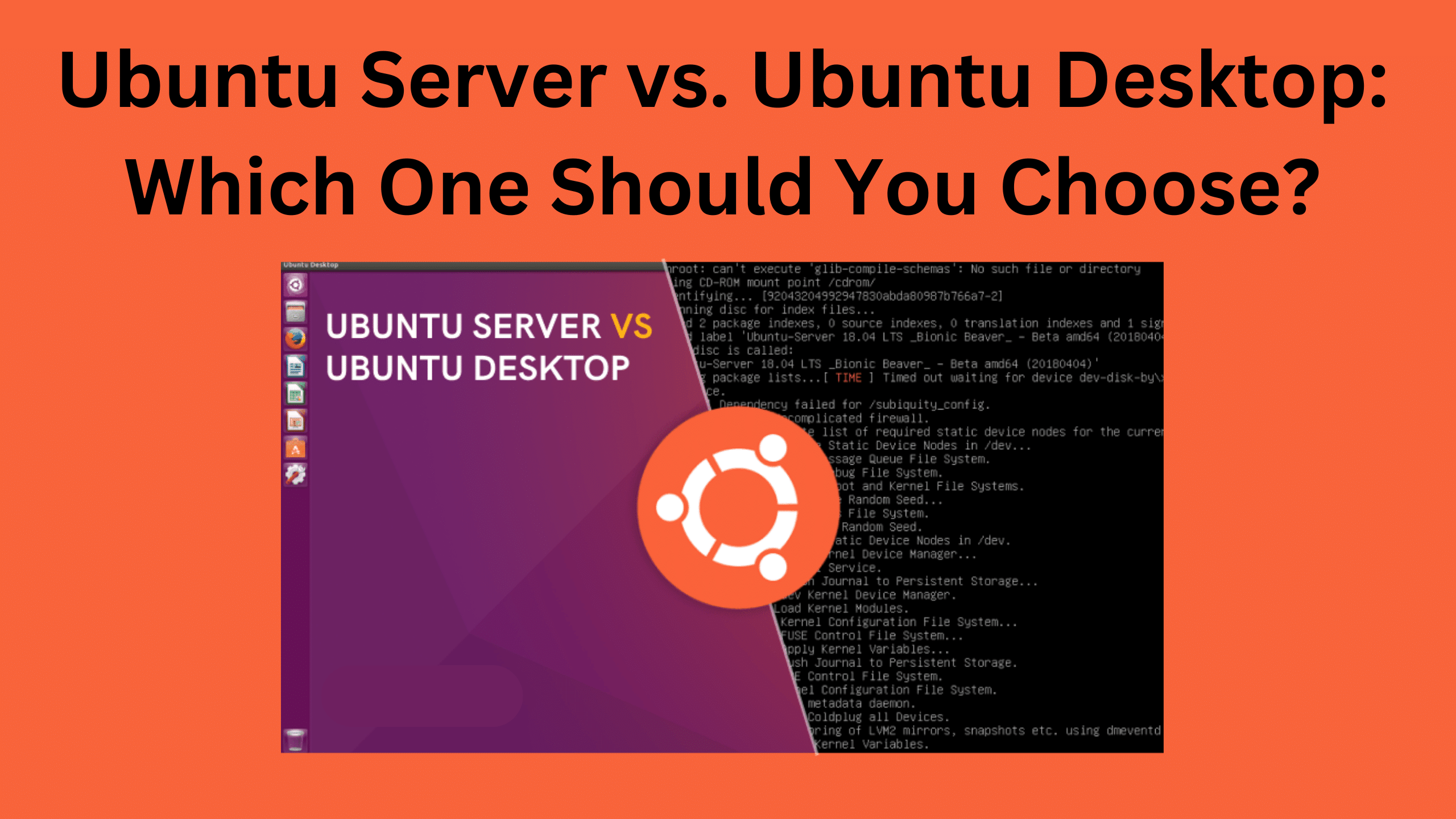
Ubuntu Server and Ubuntu Desktop are the same system with different defaults. The real differences in one table, and which to install for each job.
2 min readBy Shailabh
Reviewed by the AmazingRDP technical team
A Linux VPS comes with Ubuntu Server installed and root access. See Linux VPS from $6.99
Ubuntu Server and Ubuntu Desktop are not two different systems. They share the same kernel, the same software sources and the same updates. The difference is what is installed and switched on at the start: Desktop arrives ready for a person at a screen, Server arrives ready for work without one. You can turn either into the other.
The differences
| Ubuntu Server | Ubuntu Desktop | |
|---|---|---|
| Graphical desktop | None; a text console | GNOME |
| Installer | Text-based | Graphical |
| Preinstalled programs | Almost none; OpenSSH offered during setup | Browser, office tools, media player |
| Memory in use after start | A few hundred megabytes | 1.5 GB or more |
| Network configuration | Netplan with systemd-networkd (text files) | NetworkManager (settings window, Wi-Fi menu) |
| Made for | Remote administration over SSH; cloud and VPS images | Sitting in front of it |
| Support for an LTS release | 5 years | 5 years |
What is the same
- Every package available on one is available on the other, with the same
aptcommands. - Security updates arrive at the same time.
- Release numbers and dates are shared: an LTS release every two years in April, interim releases in between.
Choose Ubuntu Server when
- The machine runs services: websites, databases, containers, a VPN, a game server.
- It is a VPS or sits in a datacentre, and you reach it over SSH.
- Memory is limited, and every megabyte should go to your application.
- You want as little installed as possible; fewer programs mean fewer things to update and to attack.
Choose Ubuntu Desktop when
- You sit in front of it: a work PC, a laptop, a development machine.
- You need a browser, graphical programs or Wi-Fi with a menu.
- You are new to Linux and want to learn with windows first.
Turn one into the other
Add a desktop to a server:
sudo apt install ubuntu-desktop-minimalA lighter desktop is usually the better choice on a server; see how to install a desktop on an Ubuntu server, which also explains how to reach it remotely.
Make a desktop machine behave like a server: install the SSH server, and start without the graphical screen.
sudo apt install openssh-server
sudo systemctl set-default multi-user.target
Which release?
For a server, install an LTS release (the ones numbered .04 in even years, such as 22.04 and 24.04). They are maintained for five years, and longer with Ubuntu Pro. Interim releases are supported for nine months only, which suits a desktop you like to keep current, not a server you want to leave alone.
Common questions when choosing
- Is Server faster? The same program runs equally fast on both. Server leaves more memory and processor time for it, because no desktop is running.
- Is Server harder? Only in that there are no windows. The commands are the same ones a Desktop user types in a terminal.
- Can I use Desktop as a home server? Yes. It works; it just carries software you will not use.
Our Linux VPS plans come with a server edition. Related guides: find the OS version from the command line, set a static IP on Ubuntu Server and pros and cons of Fedora Linux.
Questions
What is the main difference between Ubuntu Server and Desktop?
Desktop includes a graphical desktop and everyday programs. Server has neither by default and is set up for remote administration.
Can I install a GUI on Ubuntu Server?
Yes, for example with sudo apt install ubuntu-desktop-minimal or a lighter desktop such as Xfce.
Is Ubuntu Server free?
Yes. Both editions are free.
Which Ubuntu should I use for a VPS?
Ubuntu Server, in an LTS release.